18
COLORS
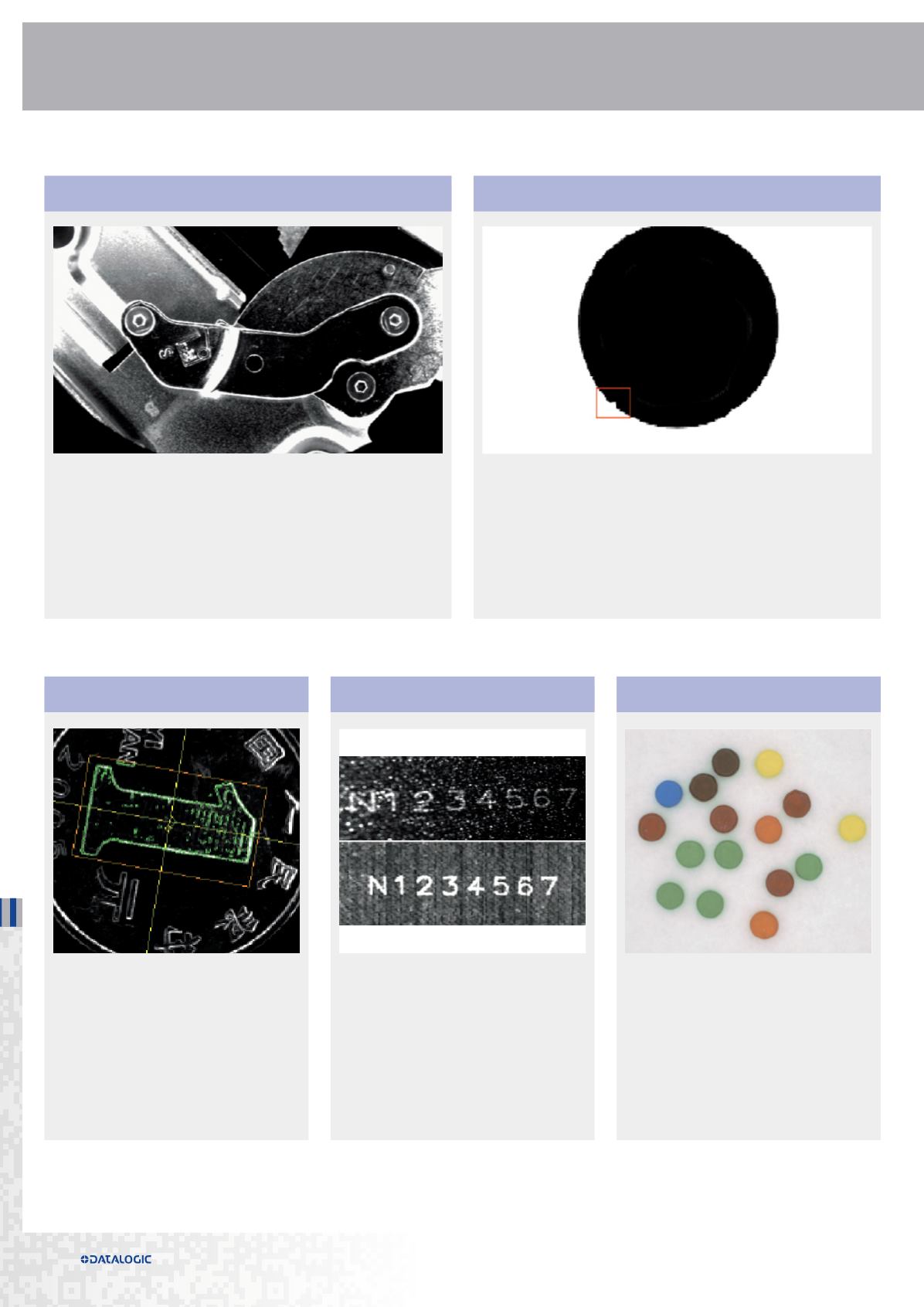
IMAGE FILTERING
LOCATE
A complete set of image filtering tools
available:
• Average, Median, Gaussian
• Morphology open, close, erode, dilate
• Edge enhancement
• Binarization
• Image subtraction
• Light leveling
• Pixel fill
• Find randomly orientated or amorphously
shaped colored objects
• Compare an object color with at trained
color
• Color image offers red, green, blue, yellow,
magenta, cyan and greyscale formats for
use by other tools
• Use a locate tool to find the object itself
or a feature within the object to use as a
reference for other tools
• Edge detection to find the corner of an
object
• Find the center of mass of an object
• Multiple pattern find tools can be used to
find a trained pattern within the image in
360° rotation
FLAW DETECTION
FEATURE FINDING
• Detect presence/absence of objects
• Detect randomly oriented or amorphously shaped objects
• Verify whether an object grayscale or color is within acceptable range
• Identify edges of uniformly bright or dark objects
• Determine the sharpness of an edge through the use of gradient
• Determine if objects are out of range
• Filter objects based on size and shape
• Detect differences between a trained object and run-time objects.
• Detect subtle defects in varying background
• Detect defects along the boundary edge of objects
TOOLS


