

Aladdin SDS is an automated device configuration and firmware management solution designed to ensure that every compatible Datalogic device operates with the correct settings and firmware at each store or site.
Instead of manually preparing every device before deployment, organizations can define the expected device policy once. When a device is connected to the POS, Aladdin SDS automatically identifies it, verifies its status, and applies the required configuration and firmware whenever necessary.
By automating device compliance directly at the point of use, Aladdin SDS helps retailers reduce manual effort, accelerate deployment, and maintain consistent device performance across their entire store network.
The result is a simpler and more reliable way to manage devices throughout their operational lifecycle—from initial deployment and store transfers to repair and replacement.


Aladdin SDS follows a simple, automated process that ensures devices are compliant and ready to operate:
With Aladdin SDS, organizations can define device requirements once and automatically enforce them whenever a device is connected, helping ensure operational consistency across stores and devices.
Aladdin SDS supports common device deployment and lifecycle scenarios across retail environments.
This enables faster deployment and reduces staging activities and manual preparation.
Devices can therefore be moved more freely while remaining consistently configured and compliant.
This provides faster recovery and eliminates the need for manual reconfiguration.

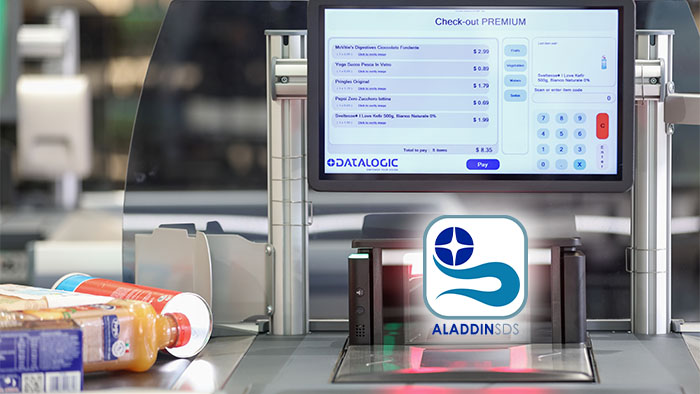
Aladdin SDS helps simplify device management by bringing firmware and configuration compliance directly to the POS environment.
Automatic verification and policy enforcement reduce the risk of devices operating with incorrect settings, outdated firmware, or configurations intended for another store.
Key benefits include:
By automating repetitive device-management activities, Aladdin SDS enables store and IT teams to focus on operations while ensuring devices remain compliant and ready to use.
Explore our Technical Documentation to get started and find useful insights.

